 listicle
AI Automation Tools for Small Business: 2026 Guide
Table of Contents
- What AI Automation Tools Do for Small Business
- Quick Comparison Table
- Top AI Automation Tools for Small Business
- Task Flow AI: Production-Ready Agents Without Coding
- HubSpot: All-in-One CRM with Integrated AI
- Make.com: Visual Workflow Automation at Scale
- ActiveCampaign: Marketing Automation with AI Personalization
- Asana: AI-Powered Project and Task Management
- Jasper: Generative AI for Content Creation
- ManyChat: Social Media Messaging Automation
- Zendesk: AI-Powered Customer Support Automation
- AI Workflow Automation Examples for Small Teams
- Best Practices for Implementing AI in Small Business
- No-Code AI Automation Platforms: Why They Matter
- How to Choose the Right Tool for Your Business
- Frequently Asked Questions
Last Updated: September 3, 2026
What AI Automation Tools Do for Small Business
Small business owners spend roughly 40% of their time on repetitive tasks that machines could handle. Customer inquiries pile up unanswered. Sales leads sit in spreadsheets gathering dust. AI automation tools for small business solve this by automating workflows that consume time without requiring technical expertise or a dedicated engineering team.
These tools handle customer support, lead follow-up, content creation, and scheduling through production-ready AI agents you can deploy in minutes. According to research from McKinsey's automation adoption study, businesses that implement AI automation see operational efficiency gains within the first 30 days. For small teams, that translates directly to freed-up hours for growth work instead of busywork.
The barrier to entry has collapsed. Today, production-ready AI agents can handle nuanced customer conversations, qualify leads, and manage scheduling without any configuration beyond a simple embed code or API key.
Quick Comparison Table
| Tool | Best For | Key Strength | Setup Complexity |
|---|---|---|---|
| Task Flow AI | Lead follow-up, customer support, scheduling | Production-ready agents, no coding required | Minimal (embed code or API) |
| HubSpot | All-in-one CRM with AI | Unified customer view across marketing, sales, service | Moderate |
| Make.com | Complex multi-app workflows | 3,000+ app integrations, visual builder | Moderate to high |
| ActiveCampaign | Email marketing automation | AI-driven personalization and segmentation | Moderate |
| Asana | Project and task management | AI-powered workflow suggestions | Low |
| Jasper | Content creation at scale | Generative AI for copywriting | Low |
| ManyChat | Social media messaging | Instagram, Facebook, WhatsApp automation | Low |
| Zendesk | Customer support automation | AI chatbots and smart routing | Moderate |
Top AI Automation Tools for Small Business
Task Flow AI: Production-Ready Agents Without Coding
Task Flow AI delivers production-ready AI agents you deploy in minutes through a simple embed code or API key. You don't configure workflows from scratch, instead, you choose from pre-built agents already trained to handle customer inquiries, lead qualification, and appointment booking.

The core advantage is operational simplicity. Drop the embed code on your website or connect via API, and the agent starts working immediately. No prompt engineering. No AI expertise required. Most automation tools require you to build workflows, test them, and iterate. Task Flow AI's agents arrive production-ready.
The API connectivity means Task Flow AI integrates with existing CRMs or business tools. Pricing depends on your specific automation needs; visit the website for a current quote.
HubSpot: All-in-One CRM with Integrated AI
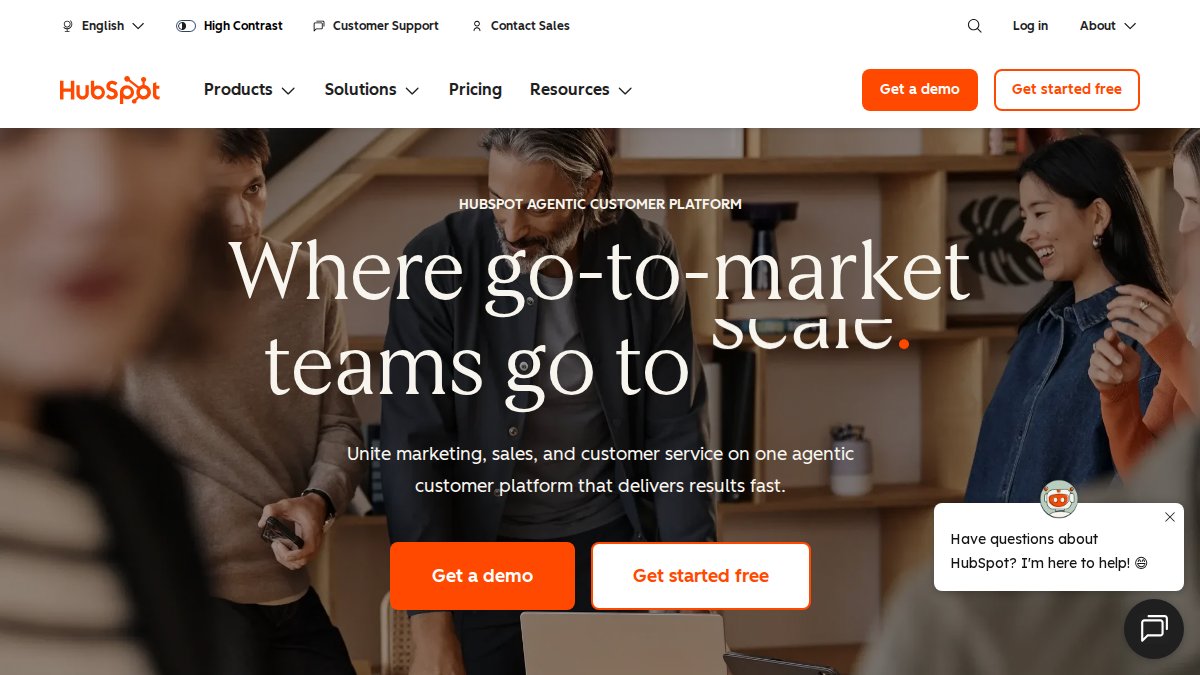
HubSpot wins when you need a unified view of every customer interaction across marketing, sales, and support, with AI features built into that same platform. The sales hub includes AI-powered deal forecasting. Marketing automation has AI-driven content suggestions and send-time optimization. Customer service gets AI chatbots and suggested replies.
The free tier is genuinely useful for early-stage teams. You get basic CRM functionality and access to some AI features. That's enough to test whether the platform fits before paying.
HubSpot's strength is depth within a single platform. If you're already using their CRM, adding AI automation features is frictionless.
Make.com: Visual Workflow Automation at Scale
Make.com is the platform to choose if your automation needs are complex and span multiple apps. Their visual builder handles multi-step workflows with conditional logic, branching paths, and error handling.
The strength is pure connectivity. Make integrates with over 3,000 apps and services (make.com). If your workflow involves your e-commerce store, CRM, email platform, accounting software, and a custom internal tool, Make can orchestrate all of it in a single visual workflow.
The credit-based pricing model charges for operations consumed. A simple workflow that runs daily costs less than a complex one with multiple conditional branches running hourly.
Make's learning curve is steeper than simpler tools. The visual builder is powerful but requires thinking in terms of triggers, filters, actions, and error paths.
ActiveCampaign: Marketing Automation with AI Personalization
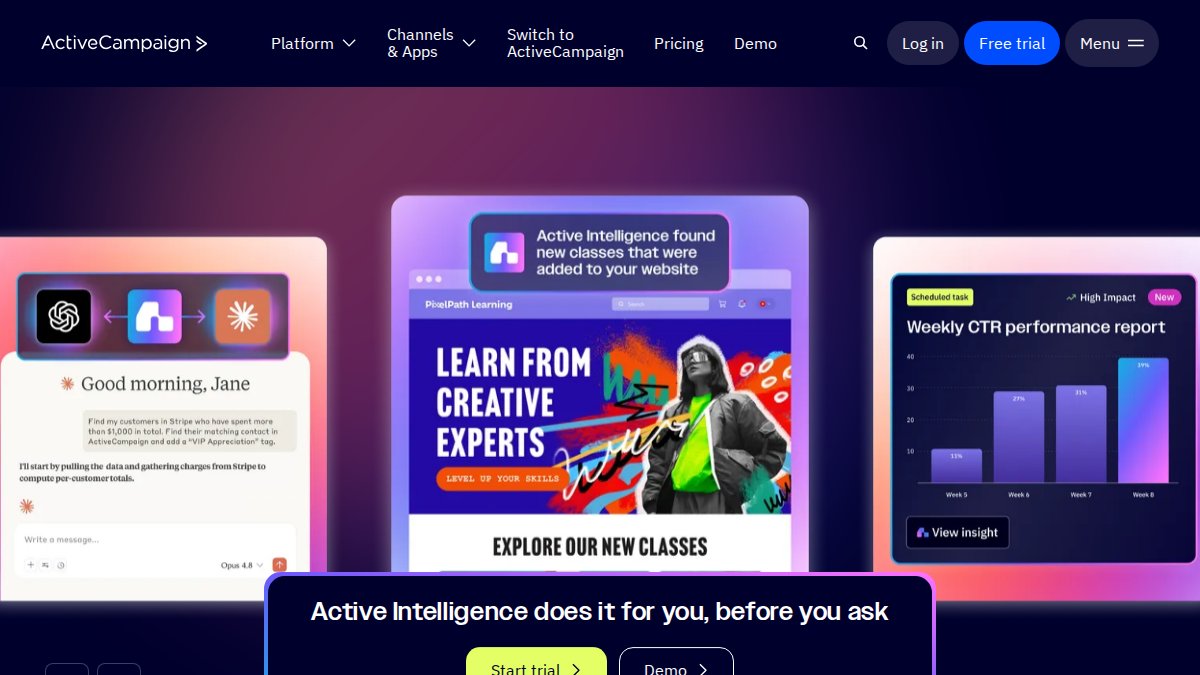
ActiveCampaign dominates email marketing automation for small teams that want AI-driven personalization without enterprise pricing. Their strength is customer journey automation, building sequences that respond to behavior, segment audiences intelligently, and personalize at scale.
The AI layer focuses on predictive sending (determining when each contact is most likely to open), content personalization (dynamically inserting product recommendations), and segmentation suggestions based on behavioral patterns.
Pricing scales with contact list size, which means you pay proportional to growth. ActiveCampaign's CRM is functional but simpler than HubSpot's.
Asana: AI-Powered Project and Task Management
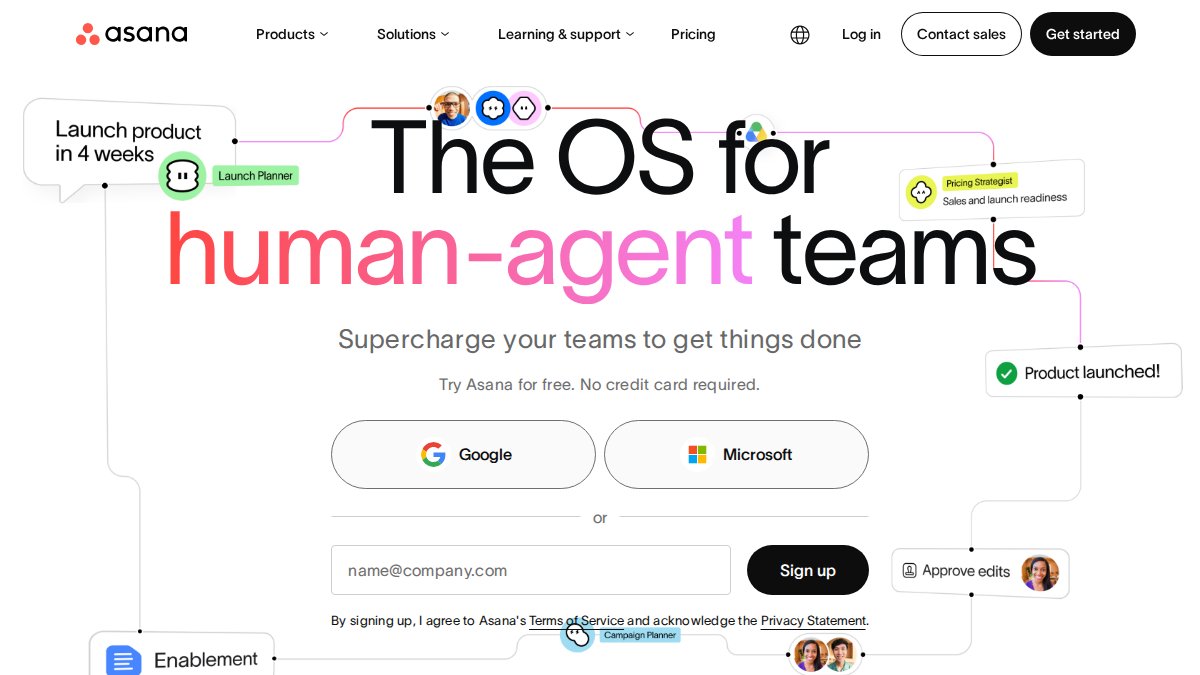
Asana's AI Studio feature generates task creation suggestions, workflow automations, and project insights based on how your team works. The AI here is additive to project management, not the core offering.
For small teams managing multiple projects with shifting priorities, Asana's visibility and collaboration features are solid. The AI layer suggests automations you might build and helps identify bottlenecks.
The free plan supports up to 15 team members and covers basic project management.
Jasper: Generative AI for Content Creation
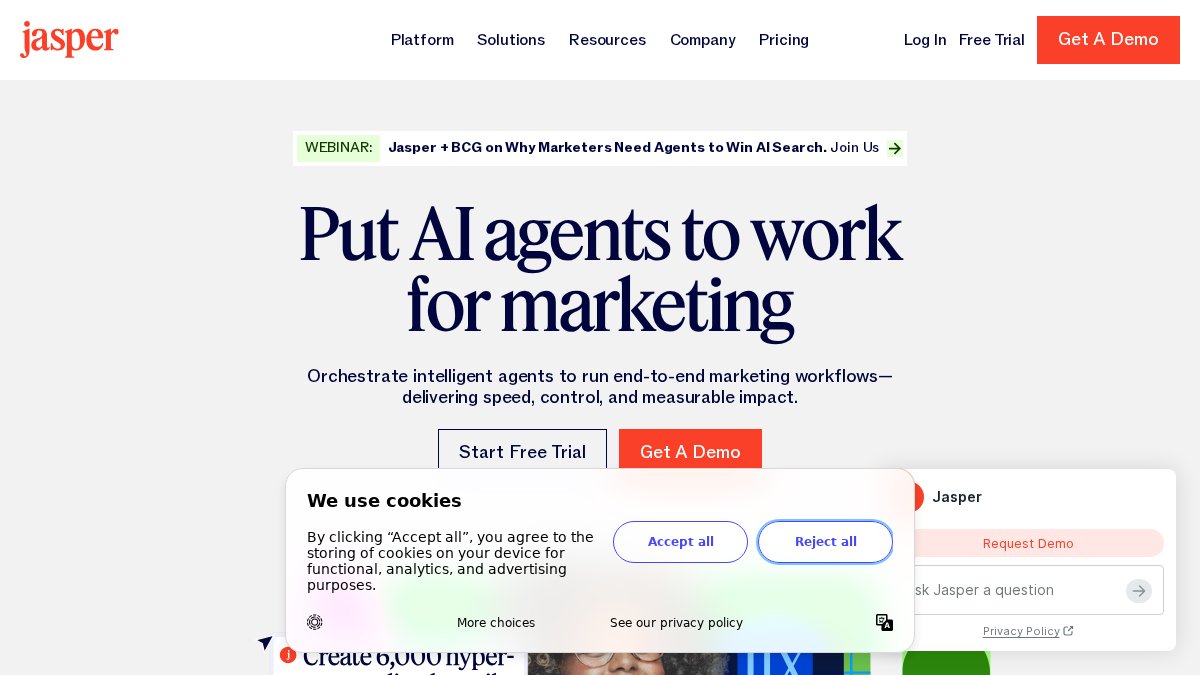
Jasper is purpose-built for generating written content at scale: blog posts, email subject lines, product descriptions, social media captions, and ad copy. The Brand Voice feature lets you train it on your existing content, so generated text matches your tone.
This is pure content generation. It doesn't automate workflows or integrate with your CRM. Use it if content creation is your bottleneck.
Pricing starts at $39/month for the Creator plan (billed annually). You get unlimited word generation on paid plans.
ManyChat: Social Media Messaging Automation
ManyChat automates conversations across Instagram, Facebook Messenger, WhatsApp, and SMS. If your customer interactions happen primarily through social messaging, this is the focused tool for that channel.
The visual Flow Builder lets you create conversation sequences without coding. Customers message you, ManyChat routes the message through your automation logic, and responses happen instantly.
ManyChat integrates with e-commerce platforms and CRMs, so qualified leads can flow into your sales system automatically.
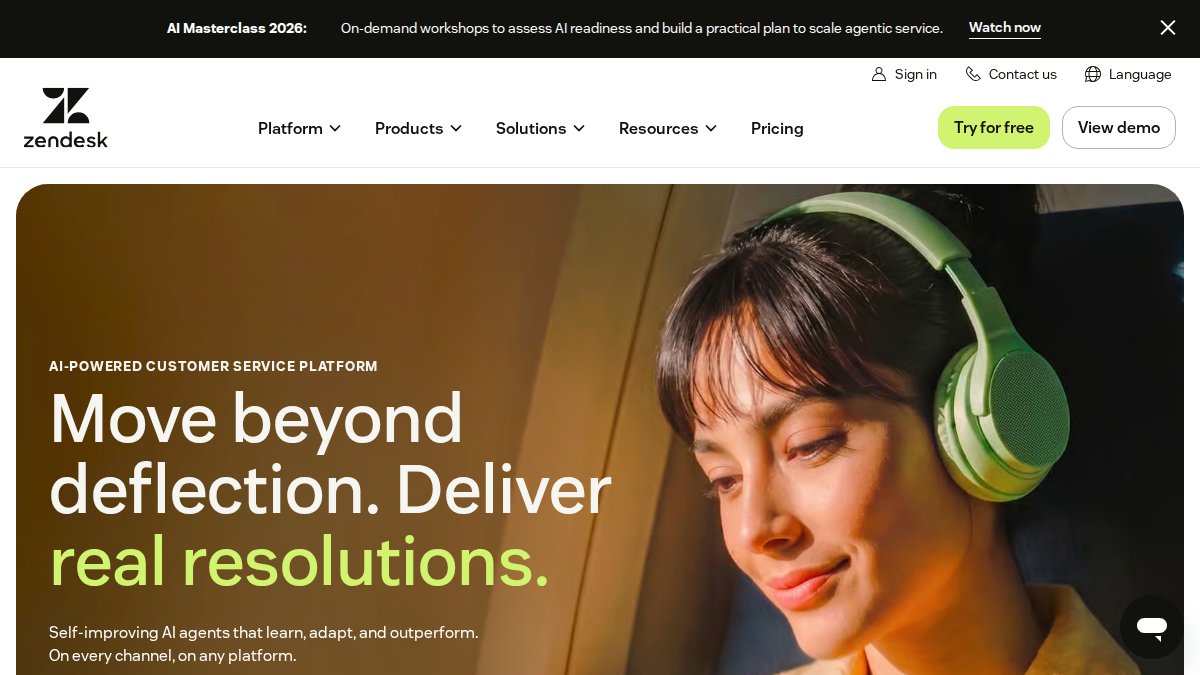
Zendesk: AI-Powered Customer Support Automation
Zendesk is the established platform for customer support automation. AI chatbots handle routine inquiries. Smart ticket routing sends complex issues to the right agent. Suggested replies help human agents respond faster.
The platform scales from startup to enterprise. The AI layer works in both scenarios. You're buying a complete support platform with ticket management, knowledge base integration, multi-channel support, and analytics.
AI Workflow Automation Examples for Small Teams
Lead Follow-Up Automation: A prospect fills out your contact form. An AI agent responds with relevant information, qualifies the lead based on budget and timeline, and books a demo call if they're a fit. By morning, five qualified leads are on your calendar.
Customer Support at Scale: Your support inbox gets 50 inquiries daily. An AI agent handles routine questions instantly. Complex issues get routed to you with full context. You spend 30 minutes on support instead of four hours.
Scheduling Coordination: An AI agent checks your calendar, offers available slots, sends confirmations, and sends reminders. Your calendar stays accurate without manual management.
Order Status Updates: An AI agent pulls tracking information from your shipping system and sends proactive updates when status changes. Support tickets drop 40% because customers know what's happening without asking (peer-reviewed research).
Small teams running these automations can experience significant time savings, freeing up hours for higher-value work.
Best Practices for Implementing AI in Small Business
Start narrow. Pick one high-friction process, customer support, lead follow-up, or scheduling, and automate that first. Once it's running smoothly, expand to the next process.
Set clear success metrics before you deploy. How much time should this save? Should it improve response time, customer satisfaction, or conversion rate? Without metrics, you can't tell if the automation is working.
Monitor and adjust regularly. AI agents improve with feedback. If customers report that automated responses missed important nuances, adjust the agent's instructions. Automation requires ongoing attention.
Test with a small segment first. If automating customer support, start with 20% of incoming inquiries. Watch how the AI handles them. Then expand to 50%, then 100%.
Be transparent with customers about automation. If an AI agent is handling their request, they should know it. Transparency builds trust.
Consider data privacy and security from the start. AI agents process customer data. Ensure your automation tool meets compliance requirements for your industry.
No-Code AI Automation Platforms: Why They Matter
No-code automation platforms democratized workflow automation. Before they existed, building automations required hiring developers or learning to code yourself.
No-code platforms use visual builders, pre-built templates, and drag-and-drop interfaces to make automation accessible to non-technical people. Small businesses can now compete on operational efficiency with larger companies that have IT departments.
The tradeoff is flexibility. No-code platforms excel at common automation patterns but struggle with truly custom requirements. Most small businesses operate within those limits.
Task Flow AI represents the evolution of this trend. You're not building automations from scratch; you're deploying pre-built agents that already handle your most common tasks.
How to Choose the Right Tool for Your Business
Start by mapping your biggest pain points. What takes the most time? What would free up your schedule if it were automated?
Consider your technical comfort level. If you're non-technical and want something working today, Task Flow AI's agent-based approach or Asana's simplicity will feel natural. If you're comfortable with visual builders and want maximum flexibility, Make.com is stronger.
Evaluate integration requirements. What tools does your automation need to connect with? Check that your shortlist supports the integrations you need.
Price matters, especially early. Calculate what you'll actually pay at your current scale. Factor in growth.
Finally, test before committing. Most platforms offer free trials. Build a real automation on the platform you're considering.
Small business automation in 2026 isn't about choosing between expensive custom development and doing everything manually. Production-ready AI agents that work without coding are now the default. Task Flow AI simplifies this by providing pre-built agents designed to integrate seamlessly with your existing website, CRM, and business tools. Deploy customer support automation, lead follow-up agents, or scheduling systems in minutes through a simple embed code or API key. No AI expertise required. No coding required. Just operational efficiency that actually works.
Frequently Asked Questions
Q: Do I need coding skills to use AI automation tools?
A: No. Most modern AI automation tools for small business are designed for non-technical users. Platforms like Task Flow AI, HubSpot, and Make.com offer no-code interfaces where you can set up automations through visual builders or simple embed codes. You can automate customer support, lead follow-up, and scheduling without writing a single line of code.
Q: What are some real AI workflow automation examples for small teams?
A: Common examples include: automatically responding to customer inquiries 24/7 with AI chatbots, sending personalized follow-up emails to leads based on their behavior, routing support tickets to the right team member, scheduling appointments without manual back-and-forth, and generating social media content from product descriptions. These workflows save hours weekly and improve response times.
Q: How much do AI automation tools cost for small businesses?
A: Pricing varies widely. Many tools offer free tiers or trials to start. Paid plans typically depend on features and usage. Task Flow AI pricing depends on your specific automation needs; visit their website for a current quote. Start with a free trial to test the tool before committing to a paid plan.
Q: What makes no-code AI automation platforms better than traditional automation tools?
A: No-code AI automation platforms eliminate the need for developers and technical expertise. They let you build complex workflows in hours instead of weeks, reduce implementation costs, and let you modify automations on the fly as your business needs change. This speed and flexibility are critical for small businesses that need to adapt quickly without hiring additional staff.